Complication
Date
The most common complication — the day of the month.
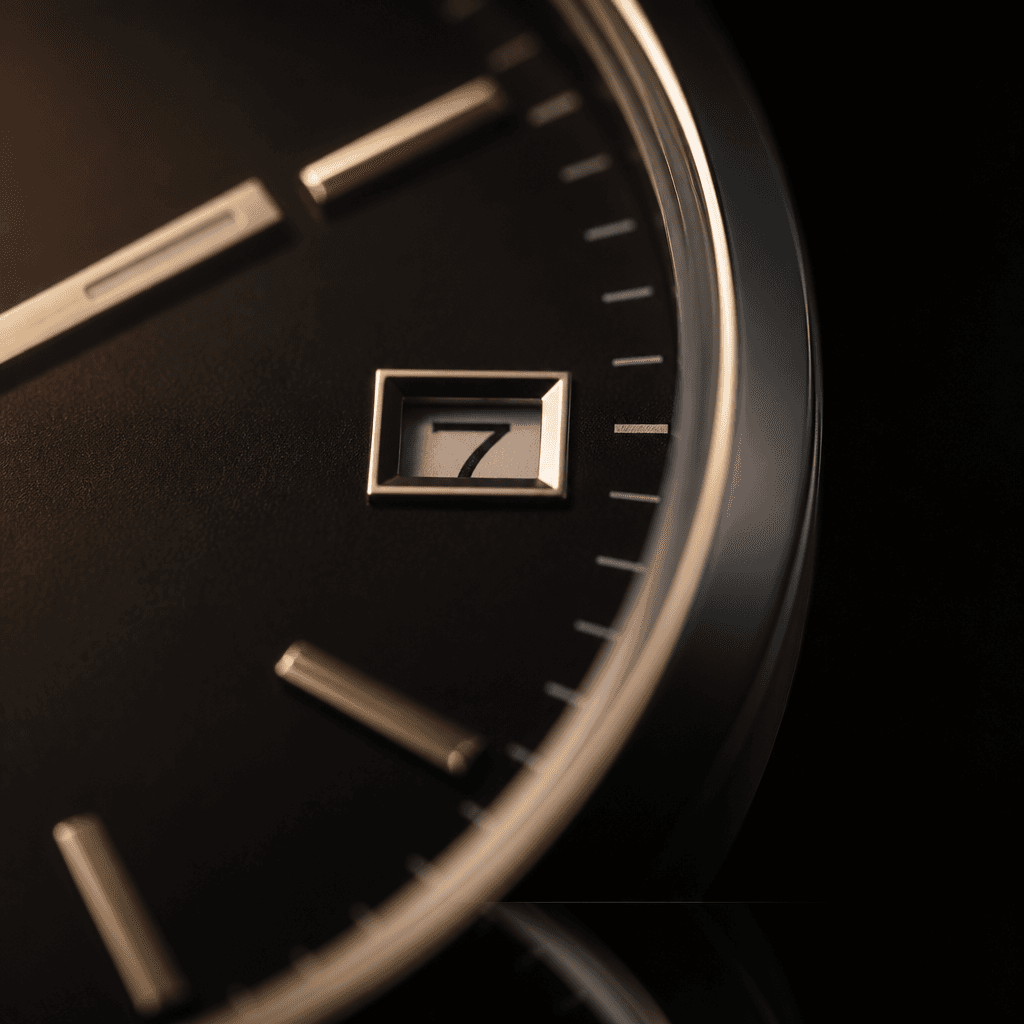
What it does
Shows the current date, usually in a small window (often at 3 o'clock) via a rotating disc, or on a sub-dial with a pointer. Variants include Day-Date (weekday + date), Big Date (two discs for a larger display), and Pointer Date.
How to read it
Read it directly from the window or pointer. Set it with the crown in an intermediate position — but avoid changing the date between roughly 9 PM and 3 AM, when the mechanism is engaged and can be damaged.
Impact on value
Neutral to slightly positive; a Day-Date adds a little. Date-free 'no-date' dials are often prized by enthusiasts for symmetry.
Keep reading
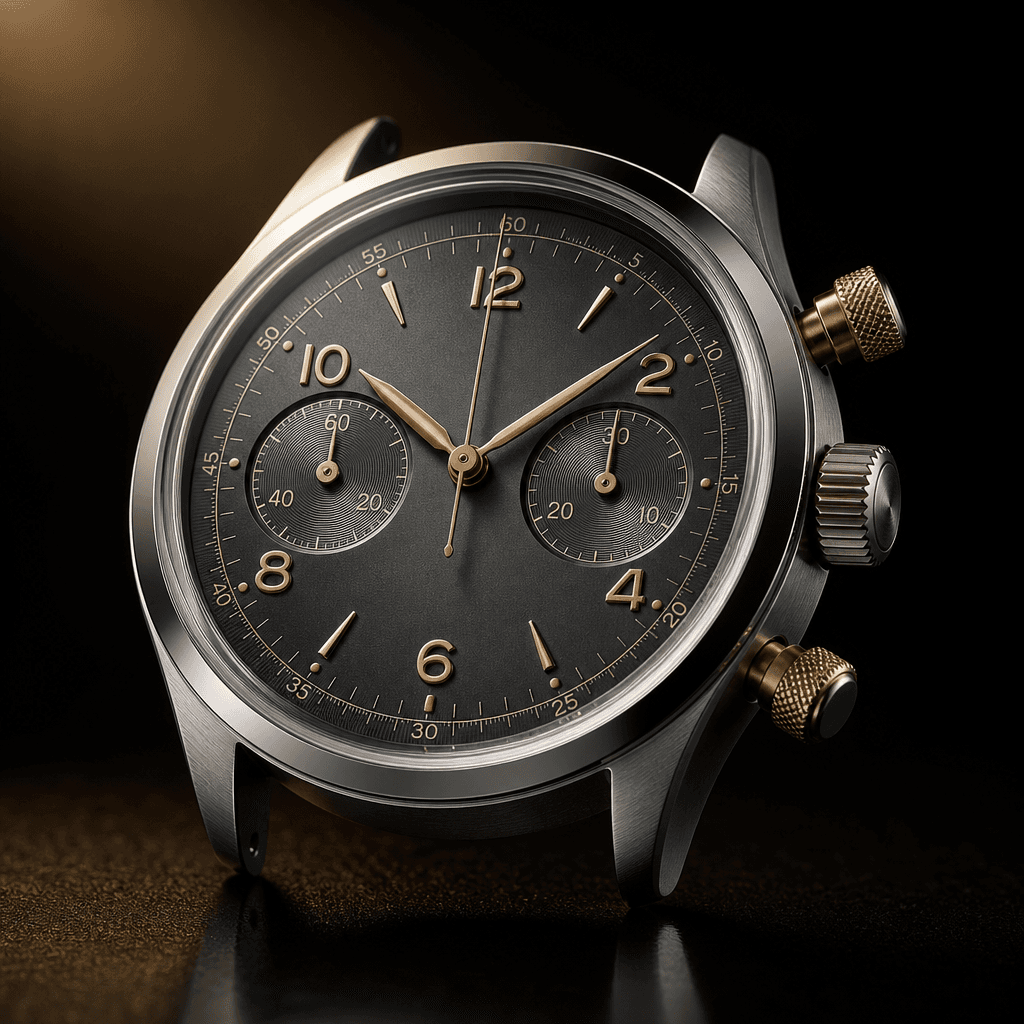 Complication
Chronograph
A stopwatch built into the watch.
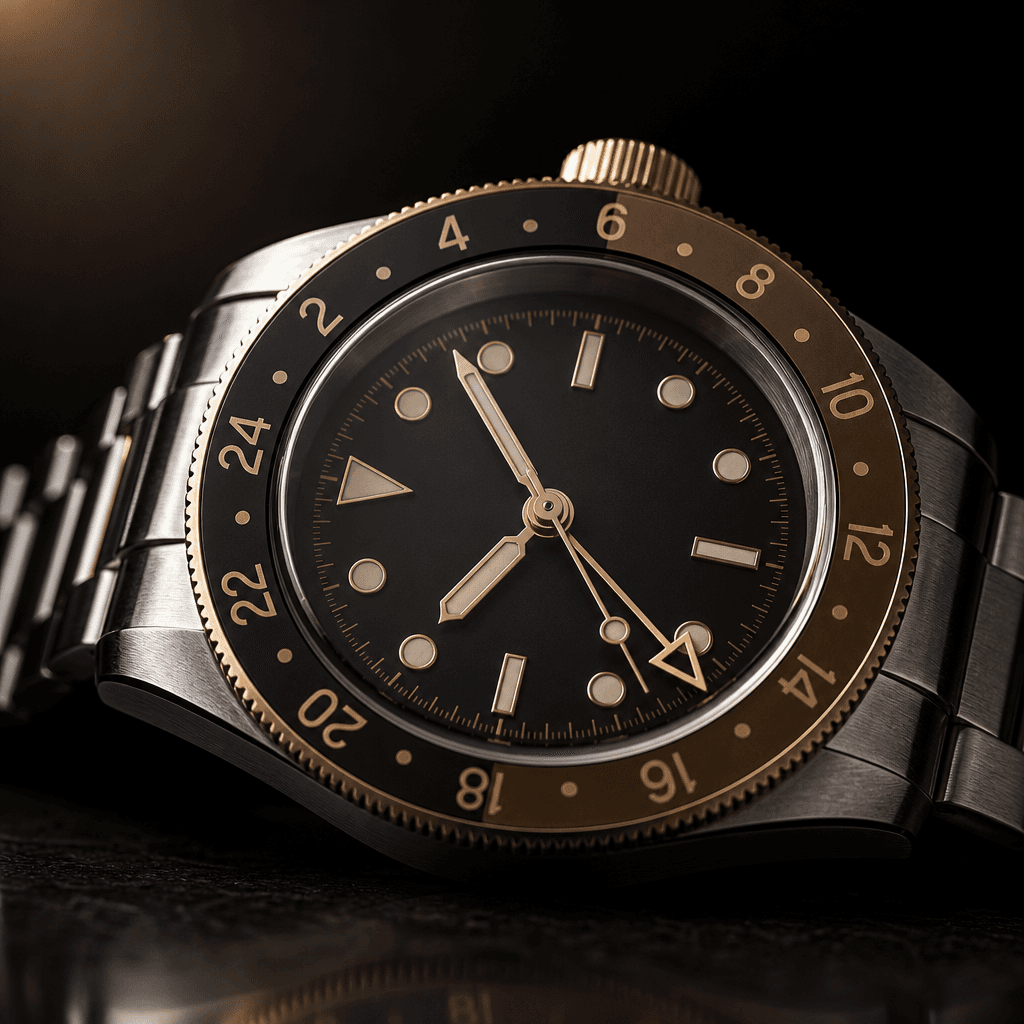 Complication
GMT / Dual Time
Tracks a second (or more) time zone at a glance.
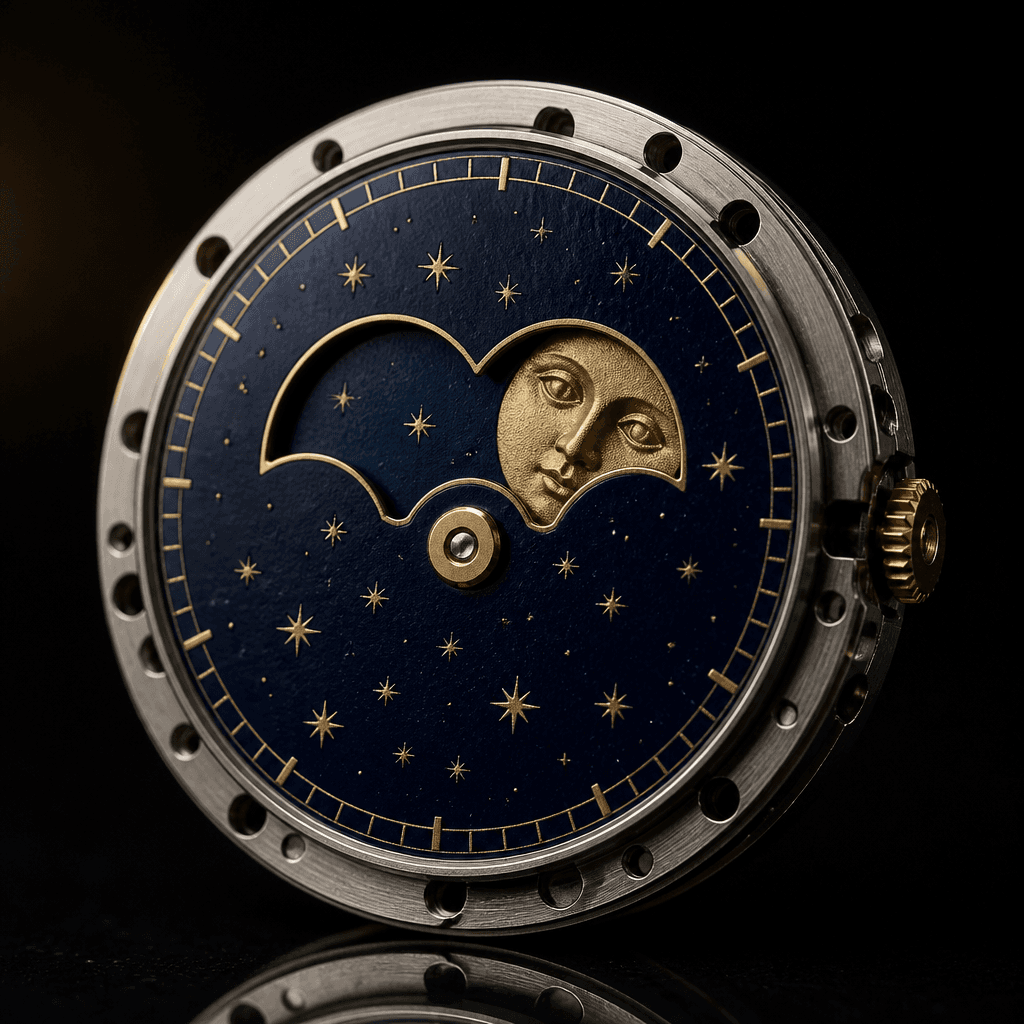 Complication
Moonphase
A little window that follows the lunar cycle.
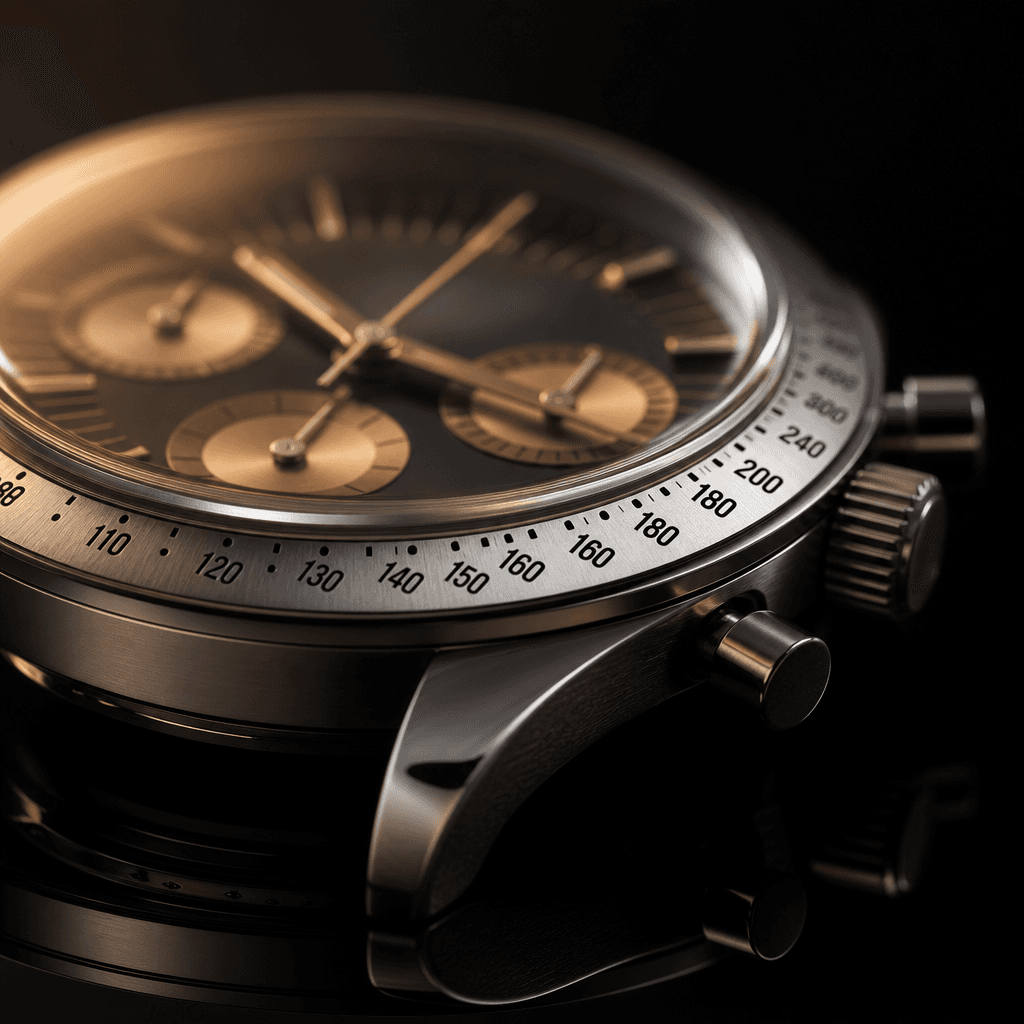 Complication
Tachymeter
A bezel scale that converts elapsed time into speed.
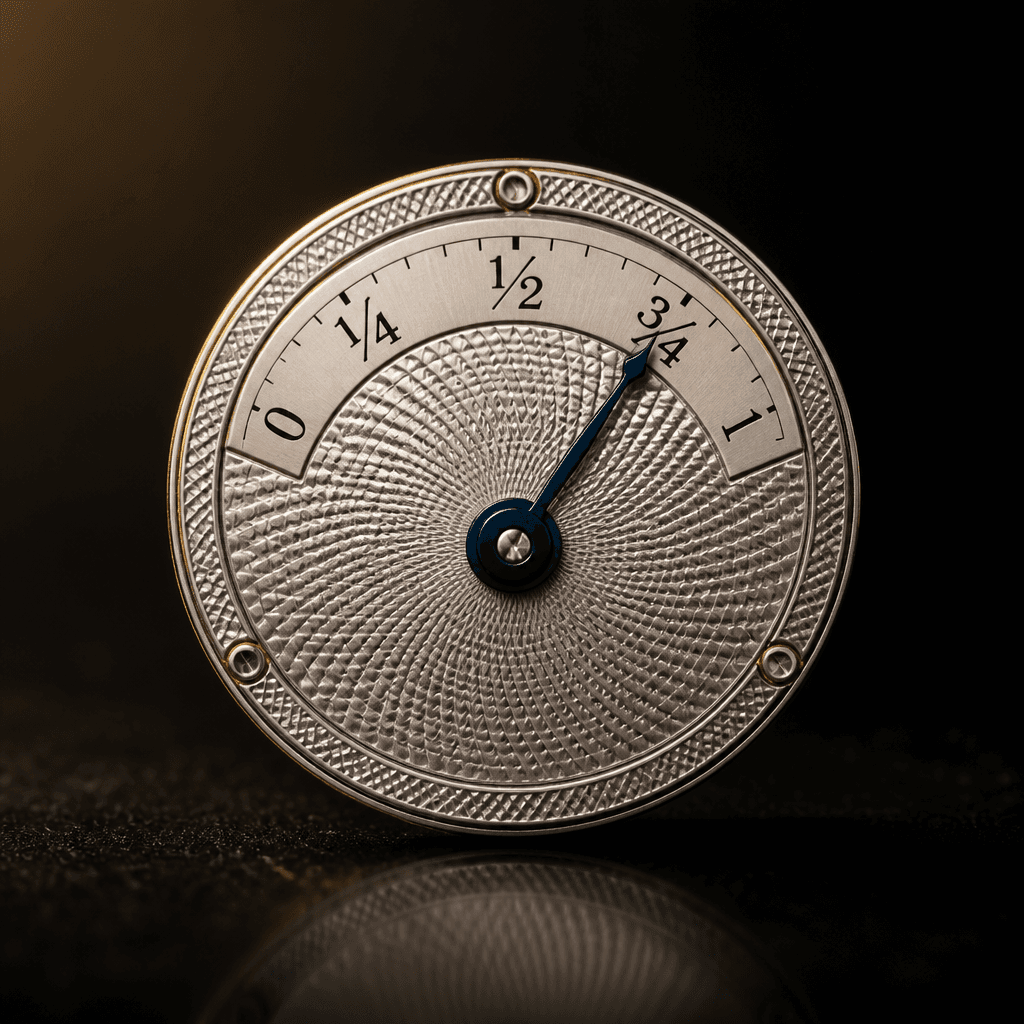 Complication
Power Reserve Indicator
A fuel gauge for the mainspring.
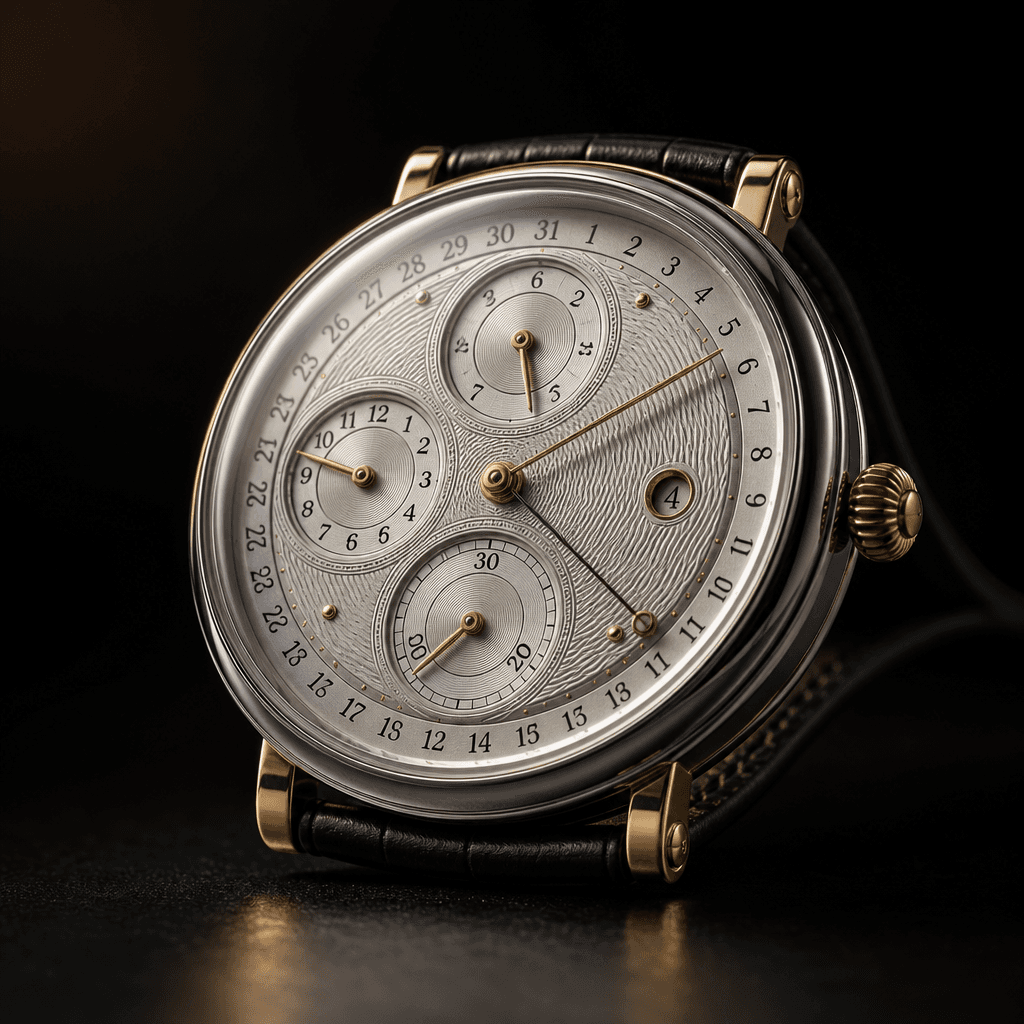 Complication
Perpetual Calendar
Knows the date, month, and leap years — until 2100.